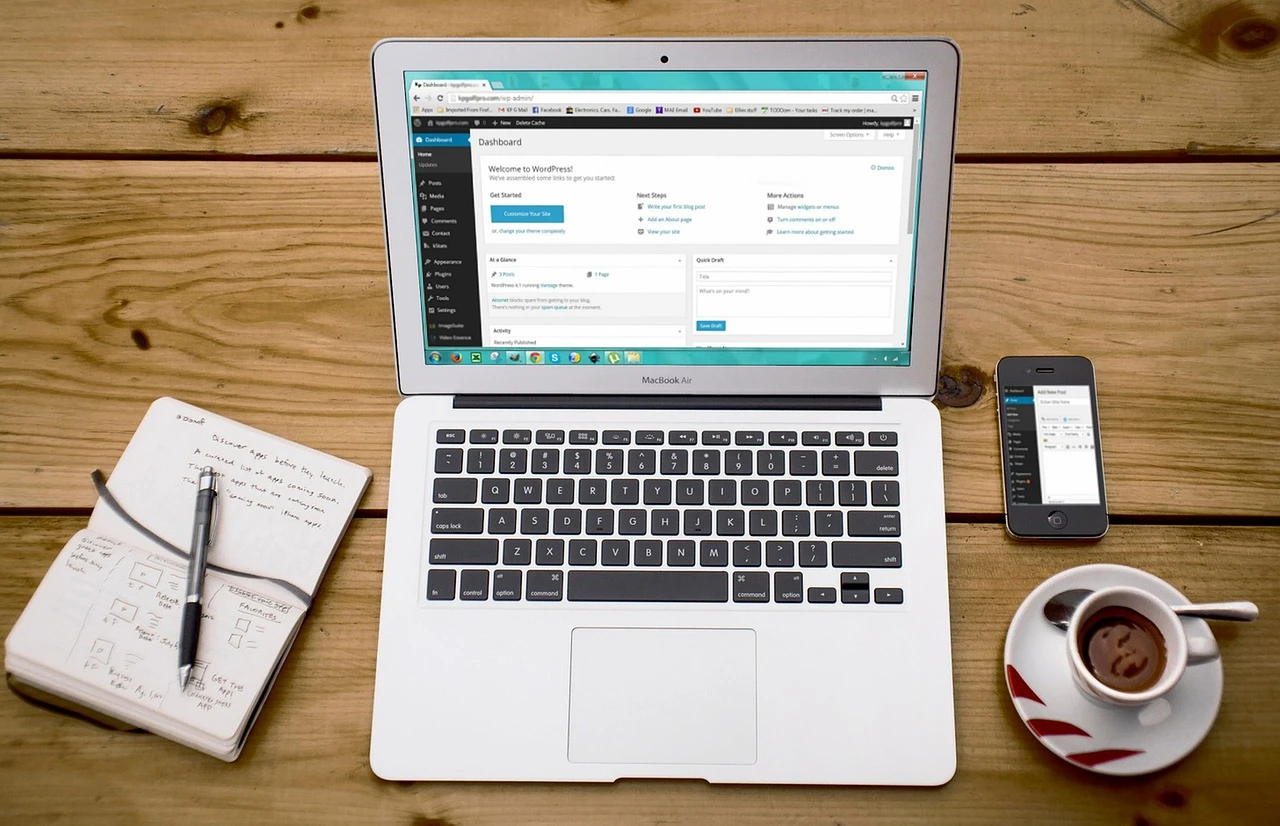
WordPress maintenance means keeping the software, backups, security, and business functions of a website working together. Start with a recoverable backup, apply updates carefully, and test the actions that matter to customers. A maintenance plan should explain who performs each task, how problems are handled, and what evidence you receive.
Key points for business owners
- Back up both the database and website files, and test that a backup can be restored.
- Review security updates promptly. Test changes on a staging copy when compatibility is uncertain.
- Check forms, bookings, checkout, and mobile navigation after updates.
- Compare care plans by scope, exclusions, and recovery support as well as price.
- Keep a maintenance record so you know what changed and who is responsible.
A practical WordPress maintenance checklist
The schedule below is a starting point. A busy store or booking site may need more frequent backups and checks than a brochure website. Choose a backup interval based on how much recent work or transaction data your business can afford to lose.
| When | What to check | Evidence to keep |
|---|---|---|
| Before an update | Confirm a recent backup of files and database. Review compatibility and prepare a way to restore the previous version. | Backup timestamp and update plan. |
| After an update | Test important pages, forms, mobile menus, and checkout or bookings where applicable. | Test results and any error details. |
| Regularly, based on activity | Verify backup success, uptime alerts, security alerts, and available updates. | Monitoring results and completed updates. |
| Monthly review | Check broken links, outdated content, mobile usability, user accounts, and representative page speed. | A short list of issues, owners, and next actions. |
| Periodically and after major changes | Test restoration on a separate copy and review the support and recovery process. | Restore test result and recovery instructions. |
Update software without losing track of business functions
Review WordPress core, theme, and plugin updates. Prioritize security fixes and check release notes for compatibility changes. Before applying changes, confirm the backup is complete and accessible. Use staging for changes that could affect custom layouts, payment processing, or other essential features.
After updating, check the site while logged out as well as logged in. Submit a test inquiry through your contact form, check that its notification arrives, and verify the confirmation message. For a store, use the payment provider’s appropriate test process to check the purchase flow. Record what was updated and any follow-up work.
WordPress provides official guidance on updating WordPress. Your host or maintenance provider should clarify which updates it manages and which remain your responsibility.
Make backups useful for recovery
A backup needs both the database and website files to support a full restoration. Keep a copy separate from the live website and restrict access to it. Check backup job results rather than assuming that an enabled backup tool has succeeded. Test restoration on a separate copy so a recovery problem is found before an outage.
For a site that accepts orders or bookings, ask how recovery would handle data created after the last backup. Restoring an older database can remove newer transactions. Agree on a recovery process before a problem happens. The WordPress backup handbook explains what a complete backup includes.
Review security, performance, and content
Use unique passwords, two-factor authentication where supported, and the minimum account permissions each person needs. Remove access that is no longer required. Review security alerts and abandoned plugins; an installed security tool still needs someone responsible for responding.
Measure representative pages and real customer tasks before changing performance settings. Large images, third-party scripts, hosting delays, and page-builder assets can each affect loading. Change one thing at a time and check the layout afterward. Aggressive caching or script changes can disrupt forms and checkout.
Review important pages for outdated contact details, broken links, unclear headings, and missing page titles or descriptions. Keep useful older content current. If you retire a page, consider its visitors and incoming links before removing it. Back up the database before cleanup, retain useful revisions, and avoid deleting records without understanding their purpose.
How to compare WordPress maintenance providers
Ask each provider to explain the same scope in writing. A lower monthly price may exclude recovery work, content edits, premium plugin licenses, or support outside normal hours. Compare the total service you need rather than assuming every care plan includes the same work.
- Updates: Who tests them, and what happens when an update breaks a feature?
- Backups: What is included, how often are copies created, and has restoration been tested?
- Support: How do you report a problem, what response expectations apply, and what counts as an emergency?
- Scope: Are hosting, malware cleanup, licenses, and content changes included or billed separately?
- Reporting and ownership: What work is documented, and can you retain access to your domain, content, and backups if you leave?
Eight Hats provides website support for Lafayette businesses. Describe your site’s features, current host, and support needs when requesting help so the proposed scope matches your business.
WordPress maintenance questions
How often should a WordPress site be maintained?
Review updates and monitoring regularly, test important functions after changes, and schedule a broader monthly review. Backup frequency should match how often the site changes and how much recent data the business can afford to lose.
Does managed hosting include all website maintenance?
Coverage varies. Ask whether the host manages plugins and themes, tests forms and checkout, restores backups, and fixes website problems. Confirm the scope in writing instead of assuming hosting includes every maintenance task.
What should I check before choosing a maintenance provider?
Check the update and testing process, backup and restoration process, support expectations, service exclusions, reporting, and ownership of accounts and data. Ask who handles a failed update or an outage.
How should I compare website care plan costs?
Compare plans using the same scope. List hosting, updates, backups, recovery work, security response, licenses, and content edits, then identify what is included and what costs extra. Ask for a quote based on your site’s actual requirements.